

A hub, set up for your plan
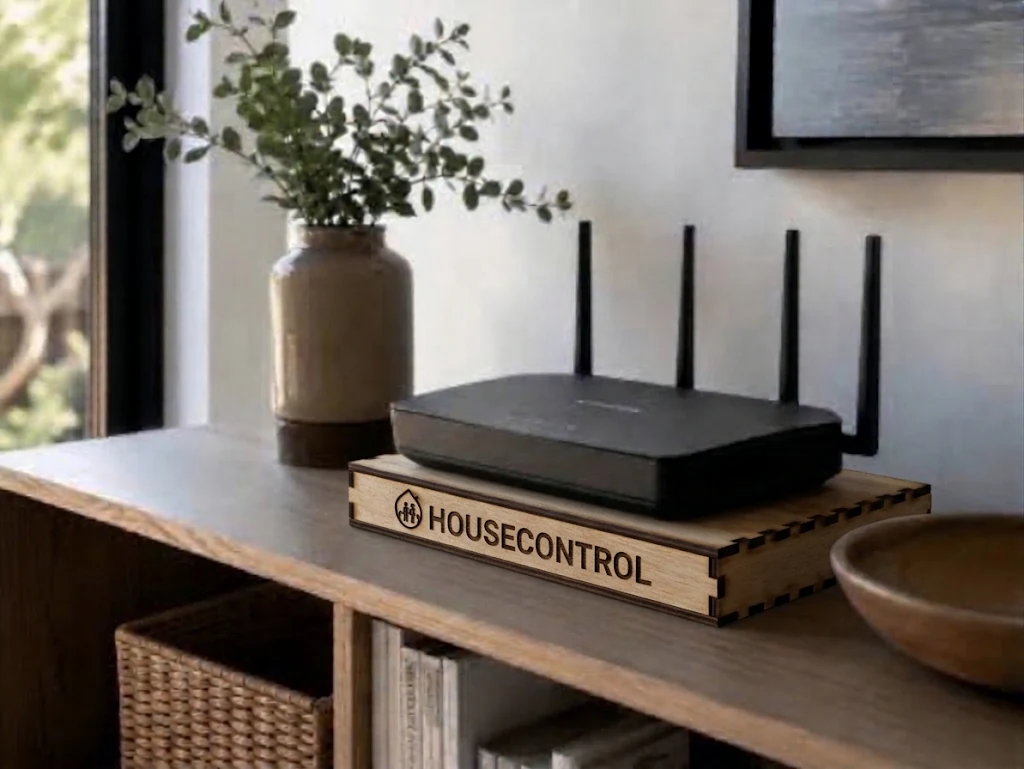
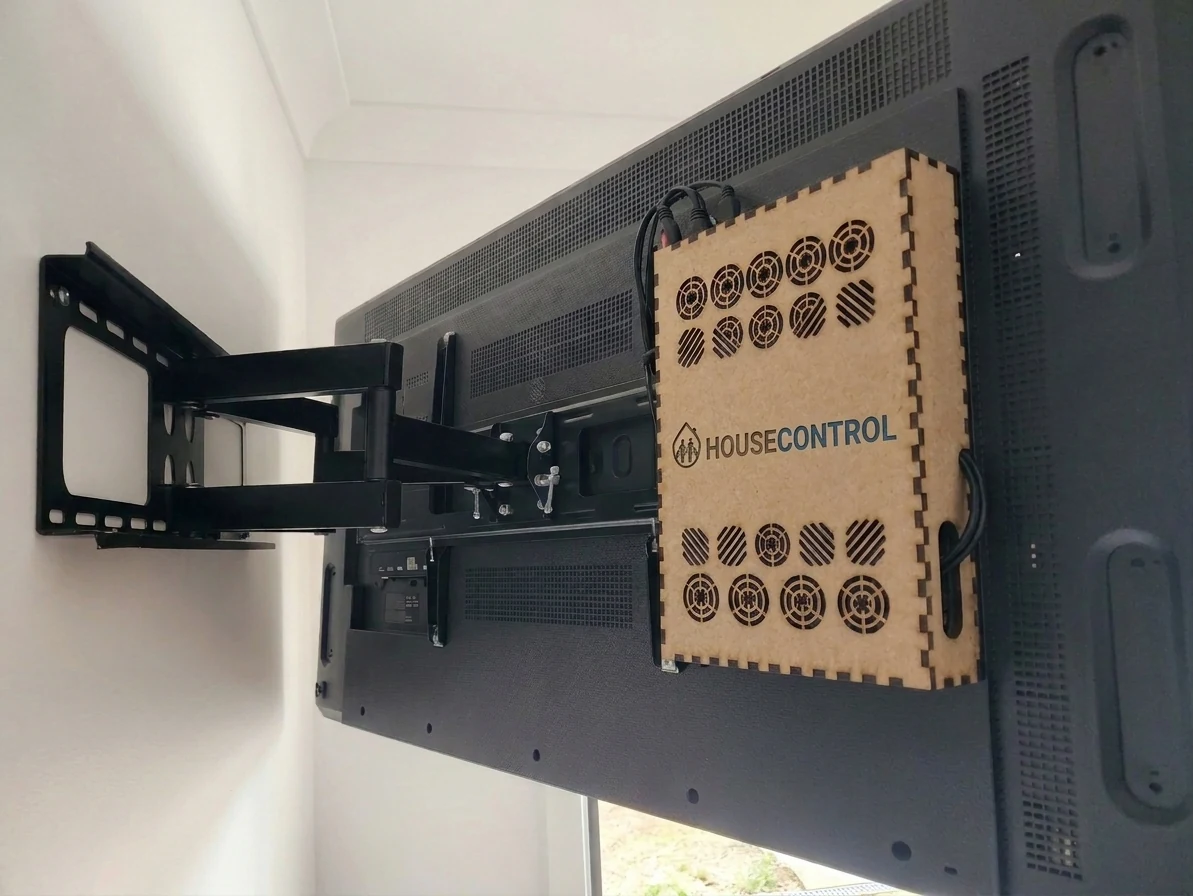
A compact computer joins your home network and runs the HouseControl services you choose.
HOW IT WORKS
Bring compatible smart devices, everyday automations and home entertainment together in one system configured around your family.
CHECK OUT THE INTERFACE
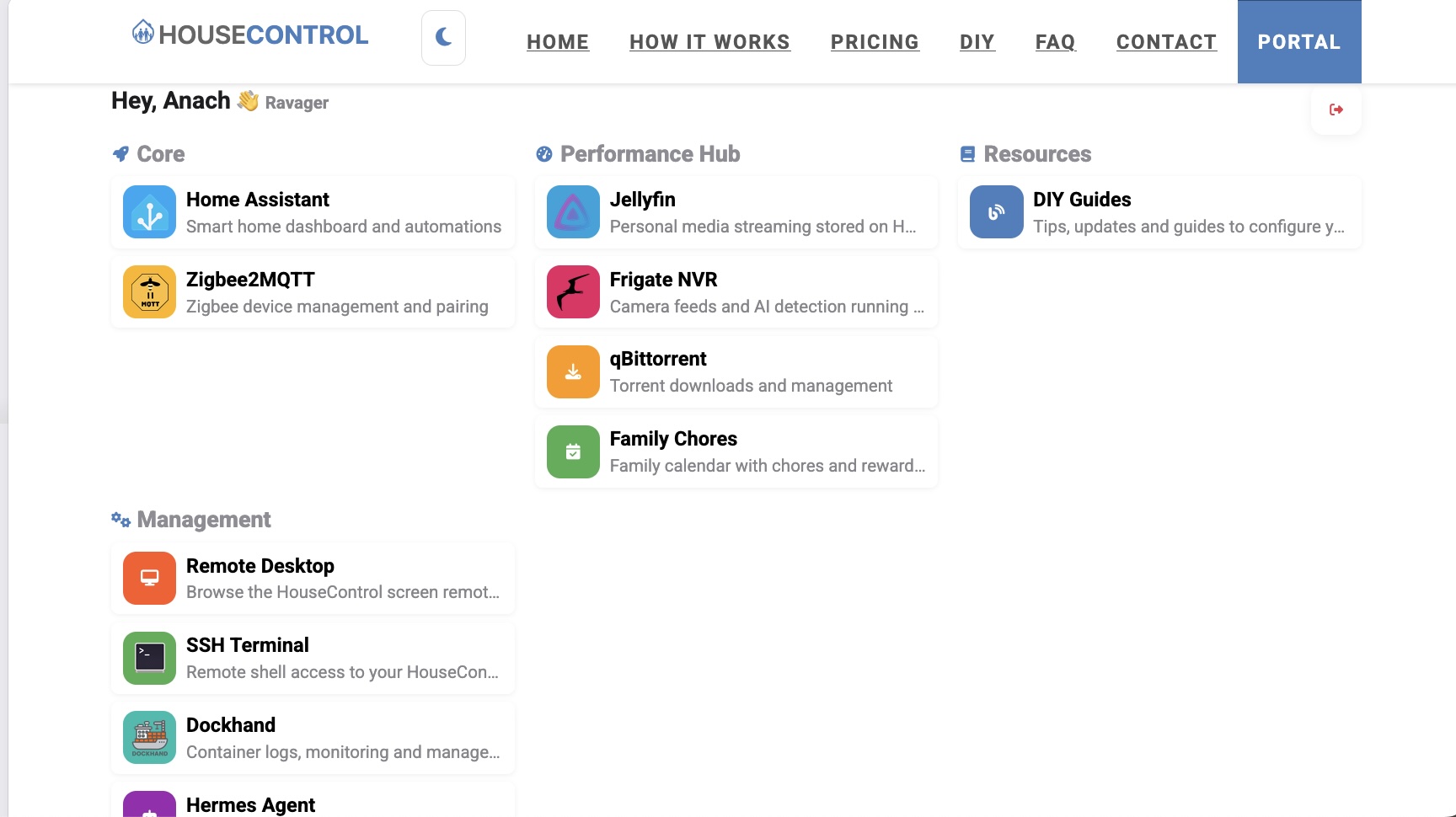
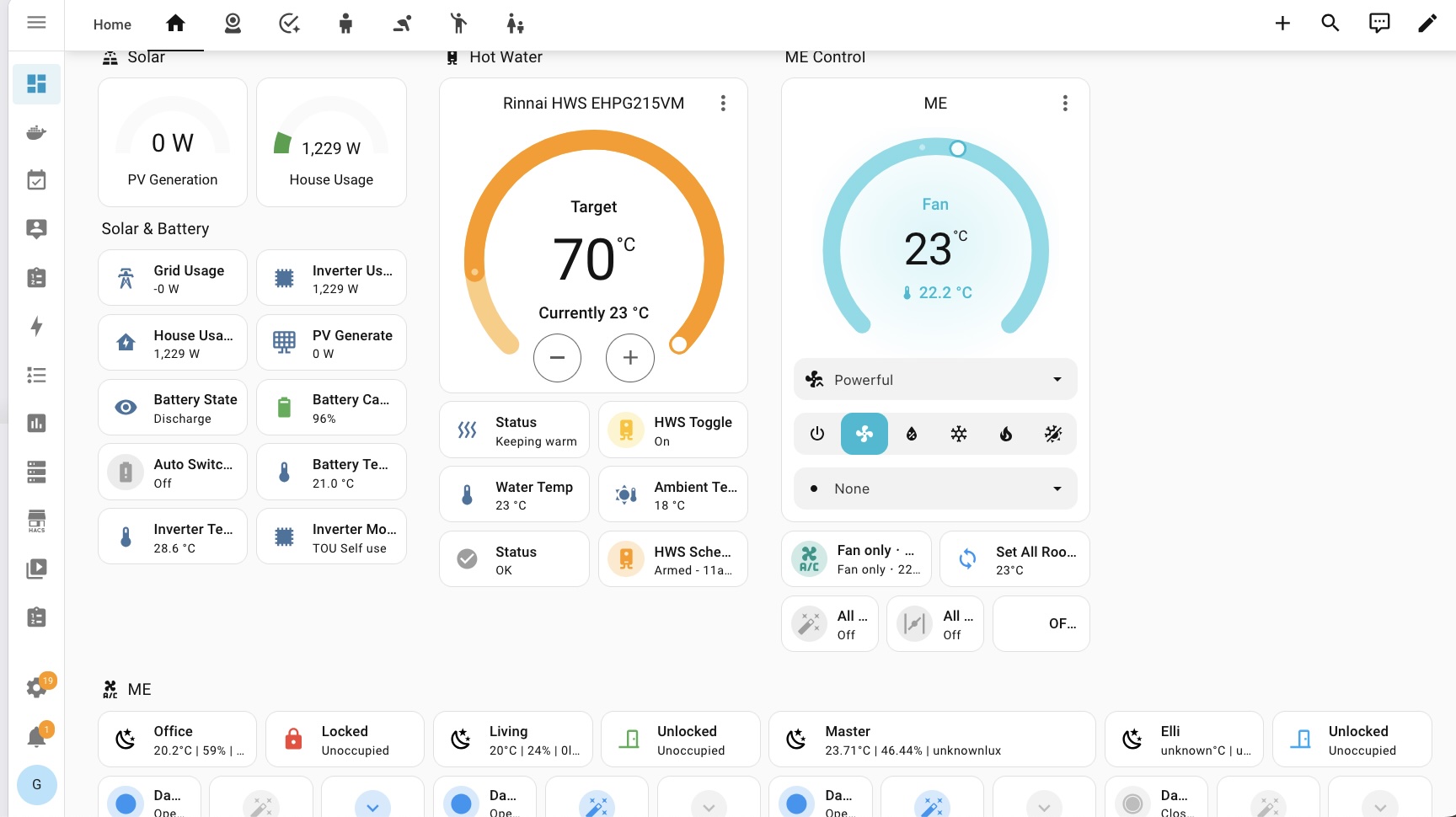
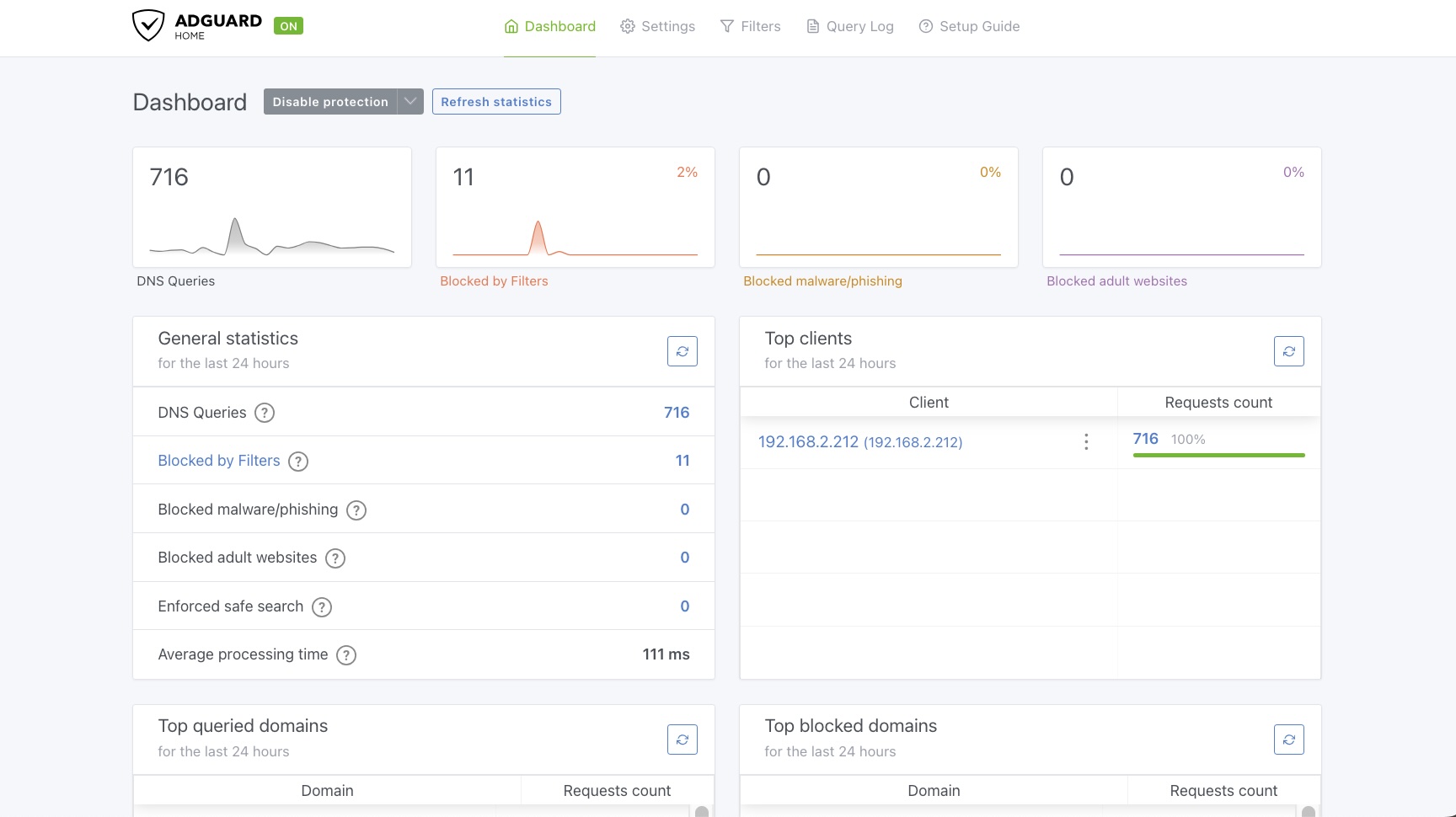
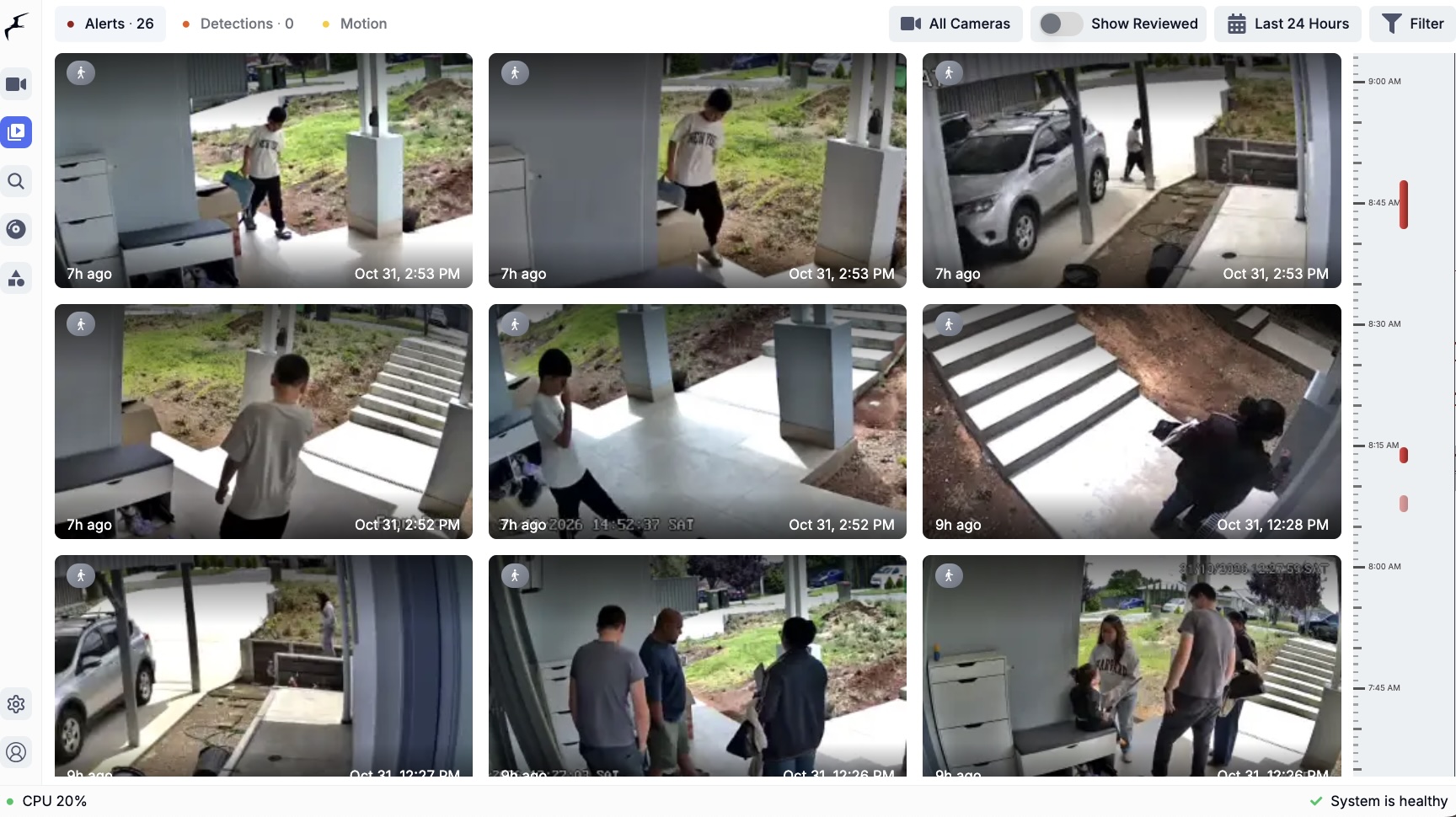
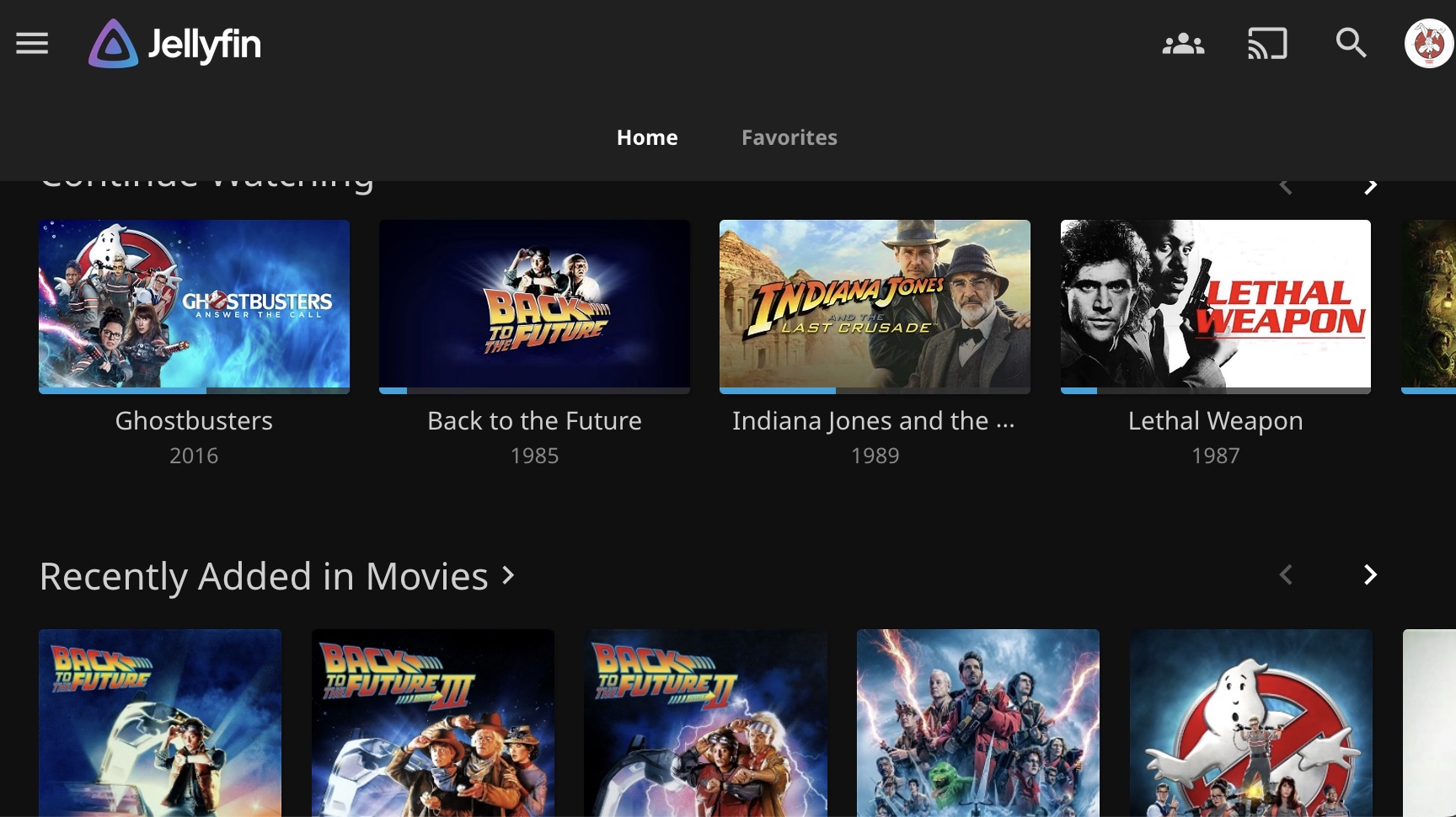
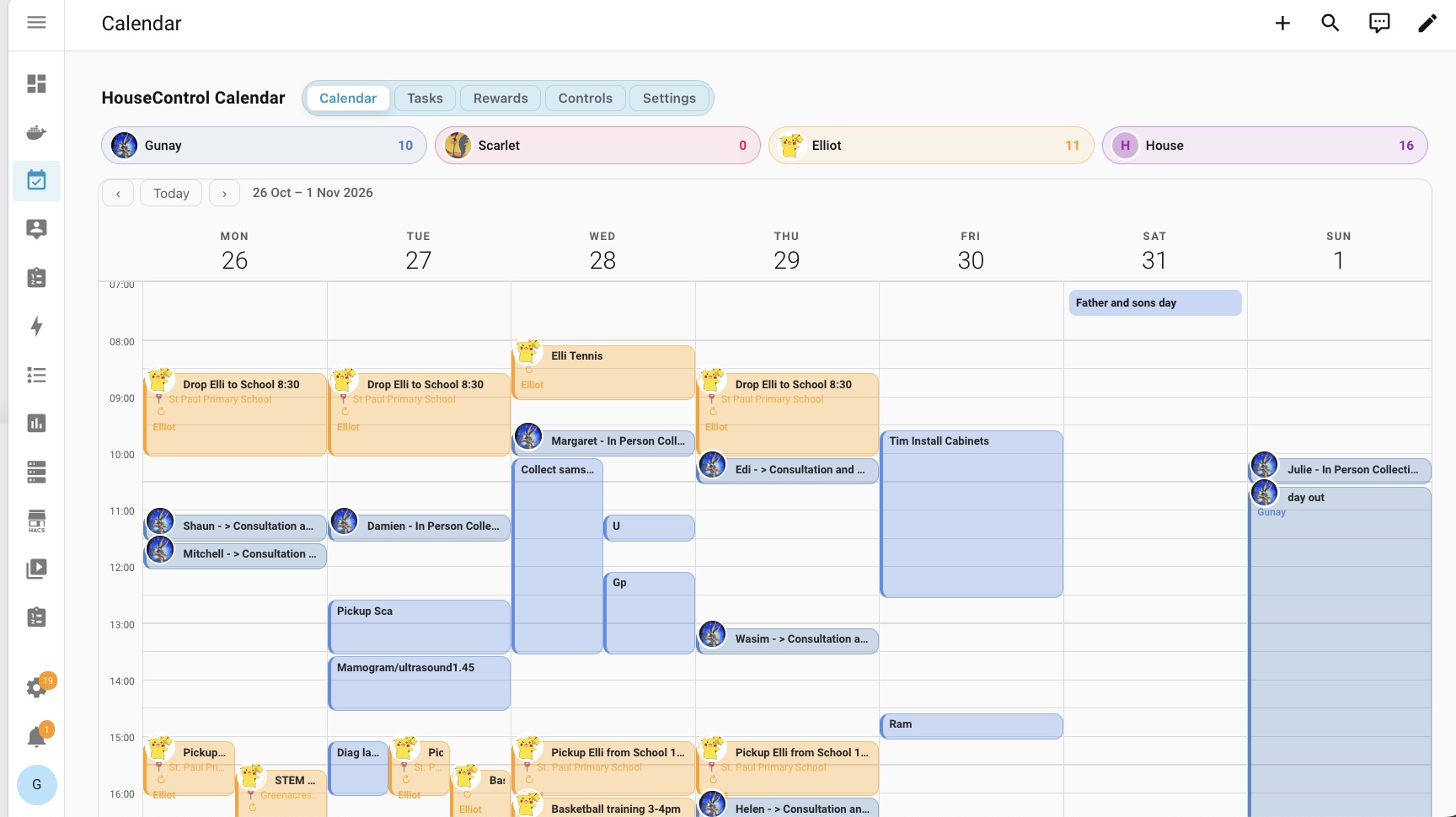
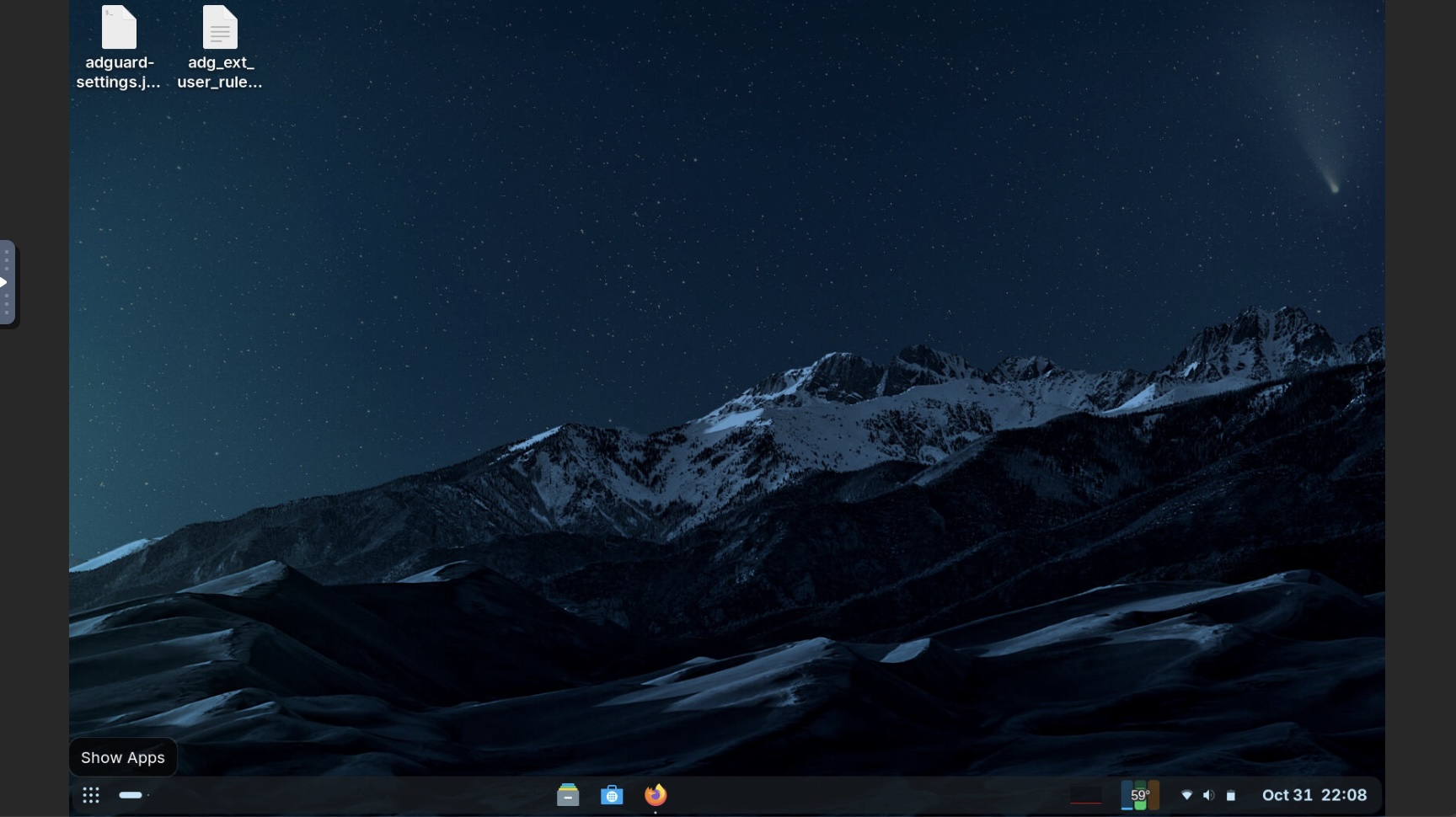
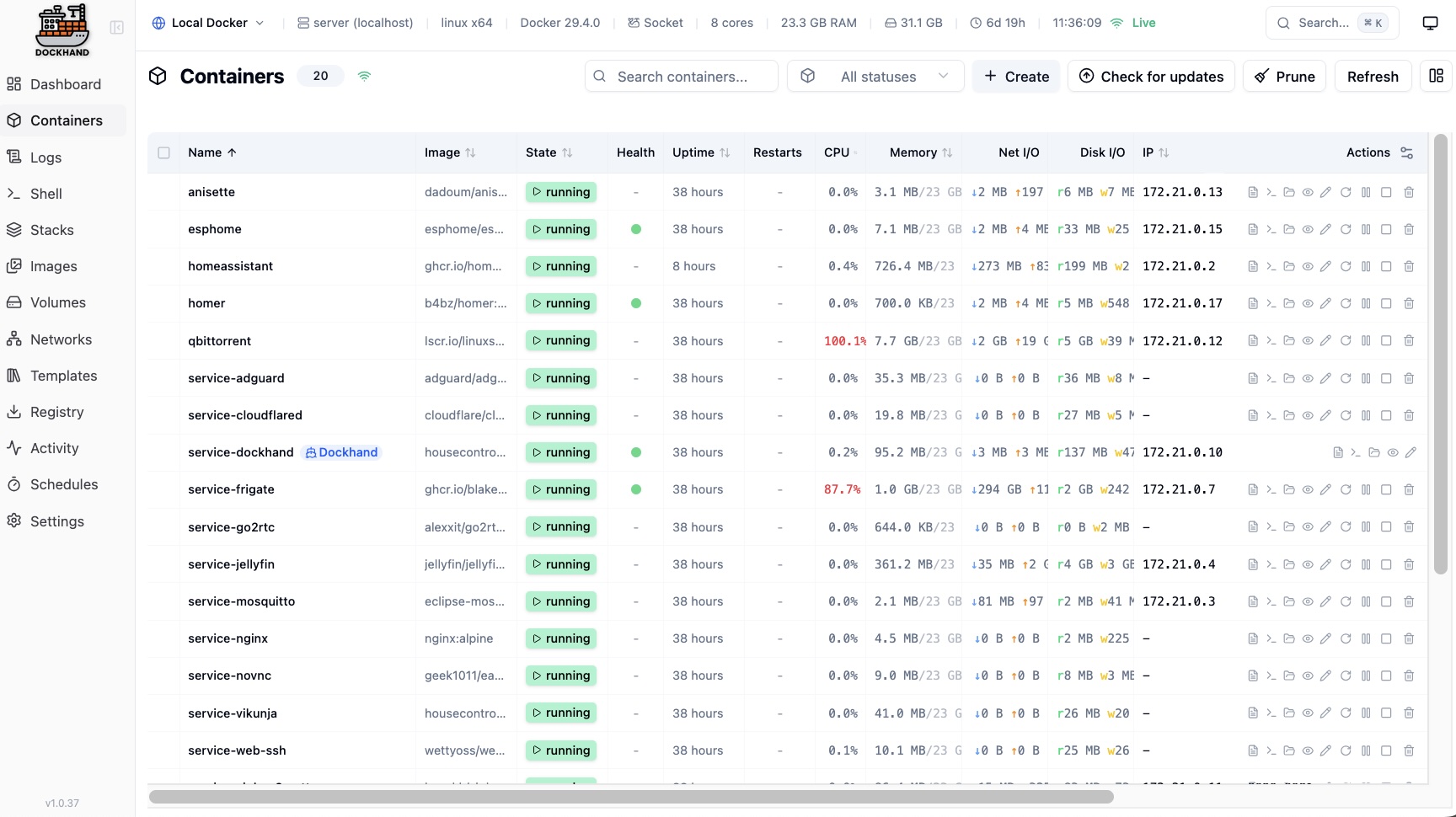
HouseControl screens show examples of the dashboards and services available. What you can use depends on your plan, connected devices and setup.
Open the dashboards and services configured for your household from one family portal.
A compact computer joins your home network and runs the HouseControl services you choose.
Connect compatible lights, climate, cameras, sensors and more to shared dashboards and routines.
Control from a phone or secure family portal; TV-focused plans add a big-screen dashboard and remote.
A FEW IDEAS FOR YOUR HOME
These are examples, not a one-size-fits-all package. The plan tags show where each idea fits.
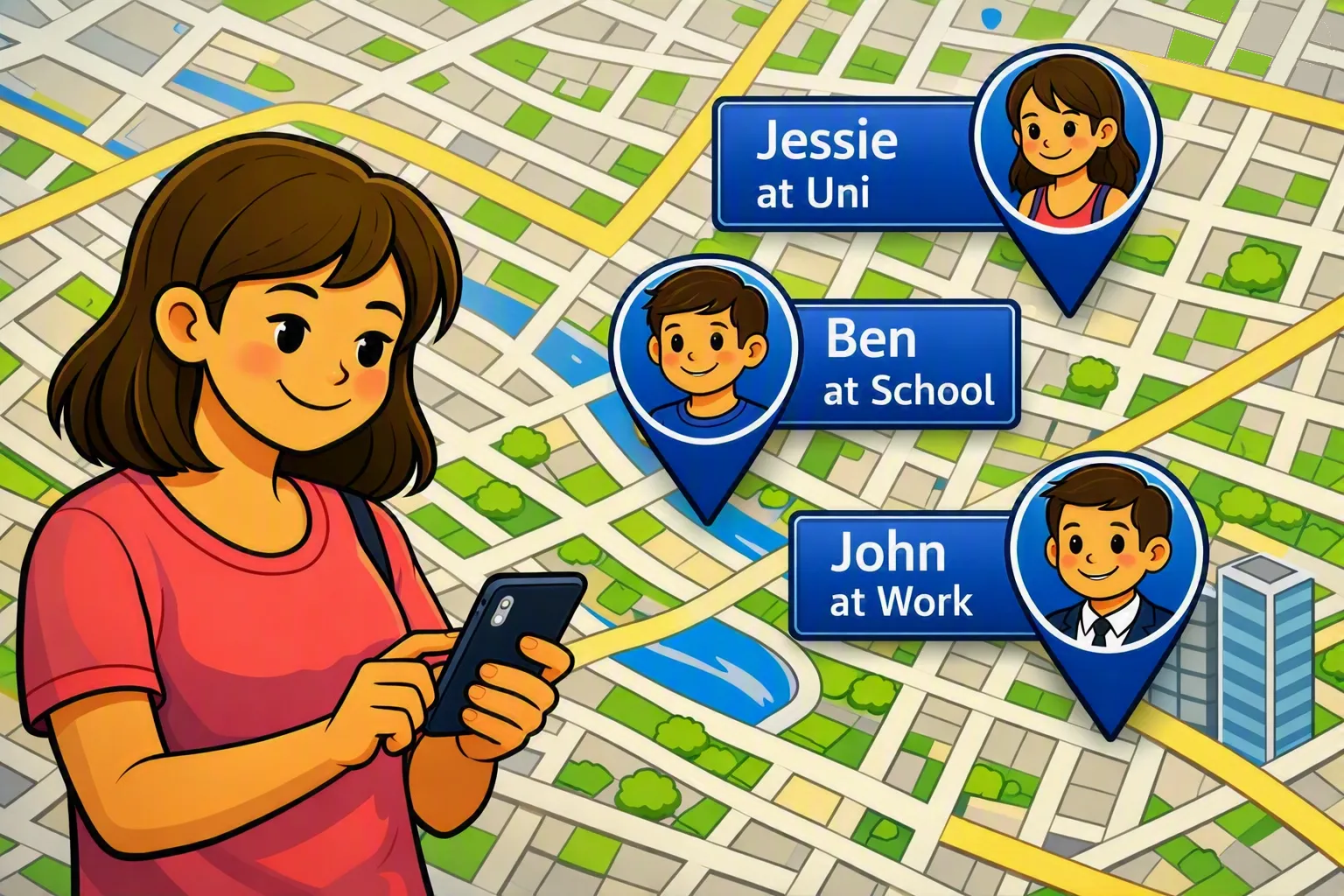


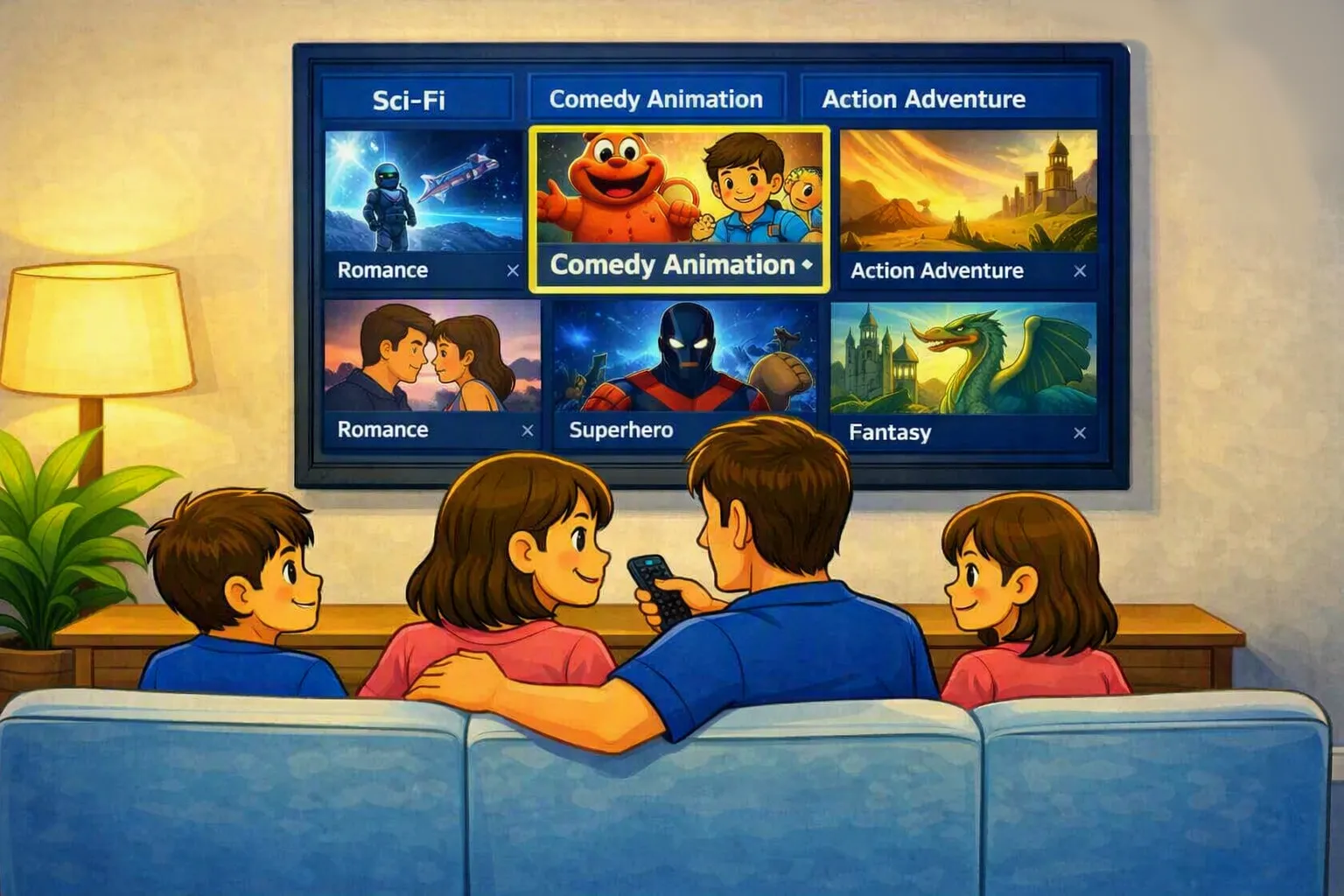
Your devices and plan determine what can be set up. We can check compatibility before you get started.
FAQ
Quick answers about compatibility, connectivity and support.
HouseControl is the hardware, setup and service around your smart home. It can use Home Assistant to connect compatible devices and run automations; HouseControl is the managed system, not Home Assistant itself.
Compatibility depends on the exact brand, model and connection method. Tell us what you already own and we can check before setup; supported devices can be added as your system grows.
Automations using compatible local devices can keep running on the in-home hub. Cloud-dependent integrations, remote access and online media still need an internet connection.
Yes, where your voice assistant and devices are supported by the relevant integrations. HouseControl can work alongside the assistants you already use.
Yes. Secure remote access is available through your family portal and requires an internet connection at home and on the device you’re using.
The A$500 new-system setup fee covers the standard hub, connection to existing power/network points and up to one on-site hour for setup and onboarding. Device integrations and additional sensors are quoted separately. Follow-up help, such as adding devices or troubleshooting, is chargeable on Base Hub and Entertainment Hub. Managed Hub includes up to one hour of remote support each month; additional work is chargeable.
Compare plansSTART WITH WHAT YOU ALREADY HAVE
Tell us what you’d like to connect, control or enjoy. We’ll help you choose a setup that fits.
All rights reserved © 2010 - 2026 | HouseControl part of IT-Solve
Proudly providing Local 🇦🇺 Support